

Feature
Guides that write themselves.
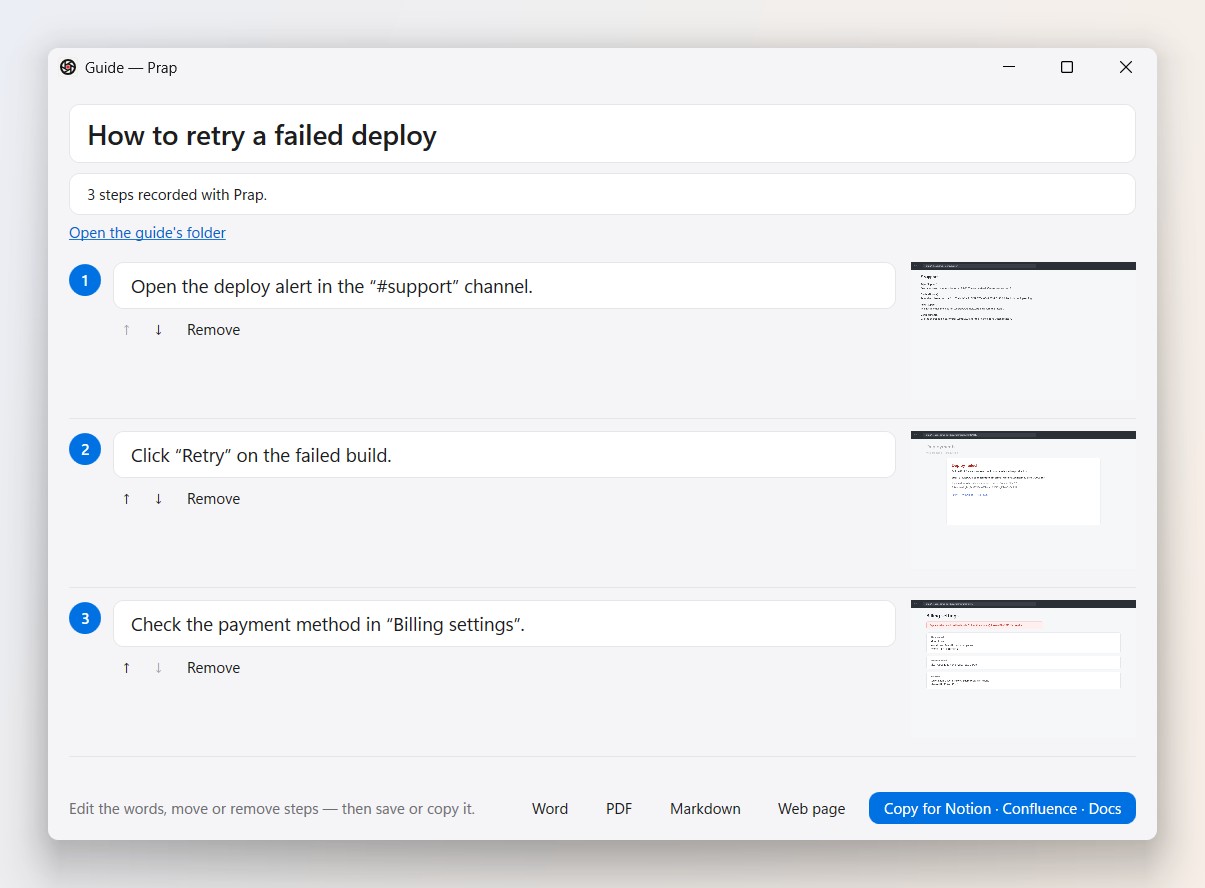
Do the task once. Prap turns each click into a step with a picture and an instruction — or turns a video into a guide.
How it works
- Start Step captureCtrl + Alt + P, or the capture bar.
- Do the taskEach click becomes a step, named after the button you clicked.
- Finish and exportEdit the steps, then Word, PDF, Markdown, a web page, or copy into Notion or Confluence.
Have a recording instead? Open it and choose Enhance → Make a step-by-step guide.
Questions
Can I edit the steps?
Yes — reword, reorder or remove any step before exporting.
Windows 10 and 11 · no admin needed · no ads
More features: Rewind the last 30 seconds · Capture the whole page · Record, then share a link · Meetings that write their own notes · Bug reports that show what happened