Press
Press kit
Prap in one paragraph
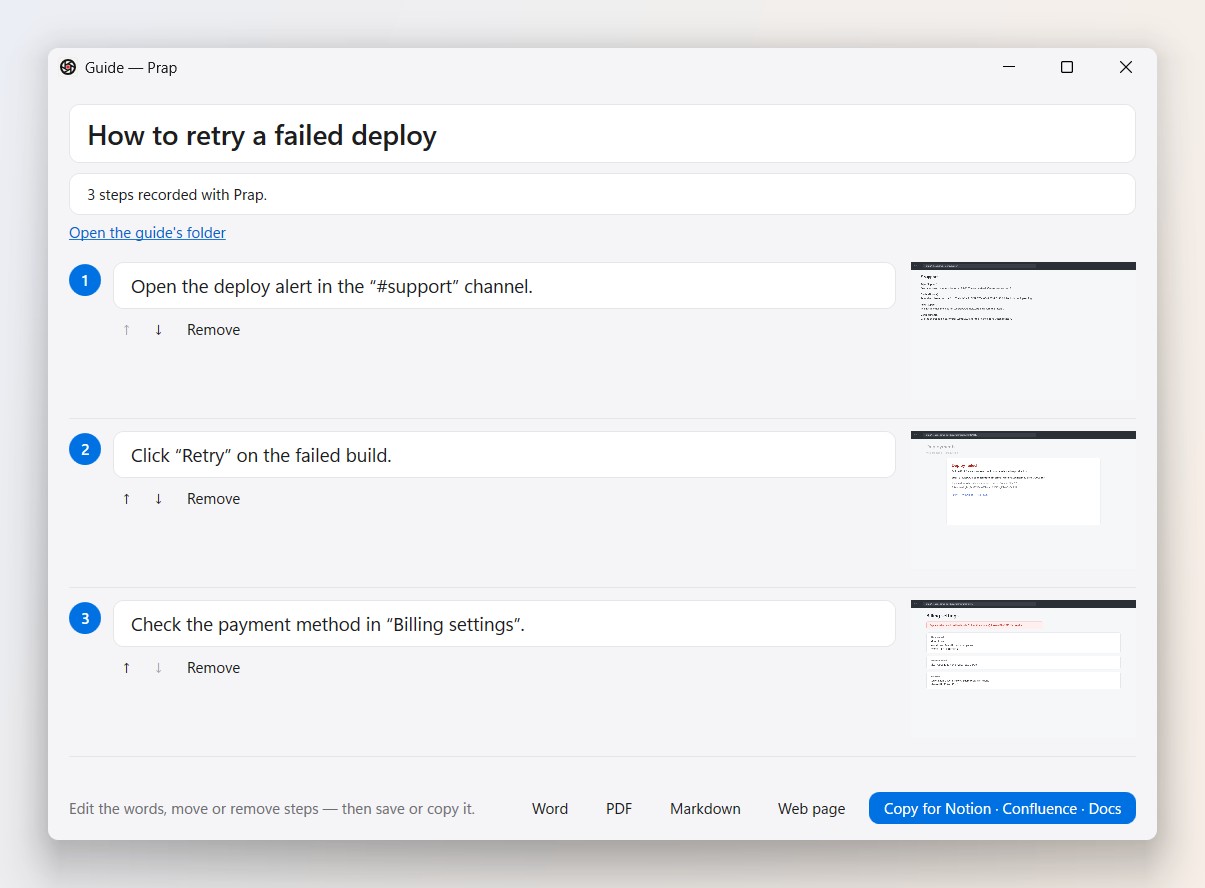
Prap is a free screenshot and screen recording app for Windows. Hold the mouse still to capture anything, mark it up, record your screen, voice and camera, share a link with comments and view counts — and rewind the last 30 seconds you just missed. Prap also turns clicks into step-by-step guides, writes meeting notes, and sends bug reports with a replay. Captures stay on your PC, and private details are hidden before anything is shared. Prap means “again” in Albanian.
Facts
| Platform | Windows 10 (2004 or later) and Windows 11, 64-bit |
|---|---|
| Price | Free |
| Website | https://prap.app |
| Download | https://prap.app/download |
| Contact | [email protected] |
| Privacy | [email protected] |
Logo


Please don't change the logo's colours or shape. The name is written “Prap”.
Screenshots
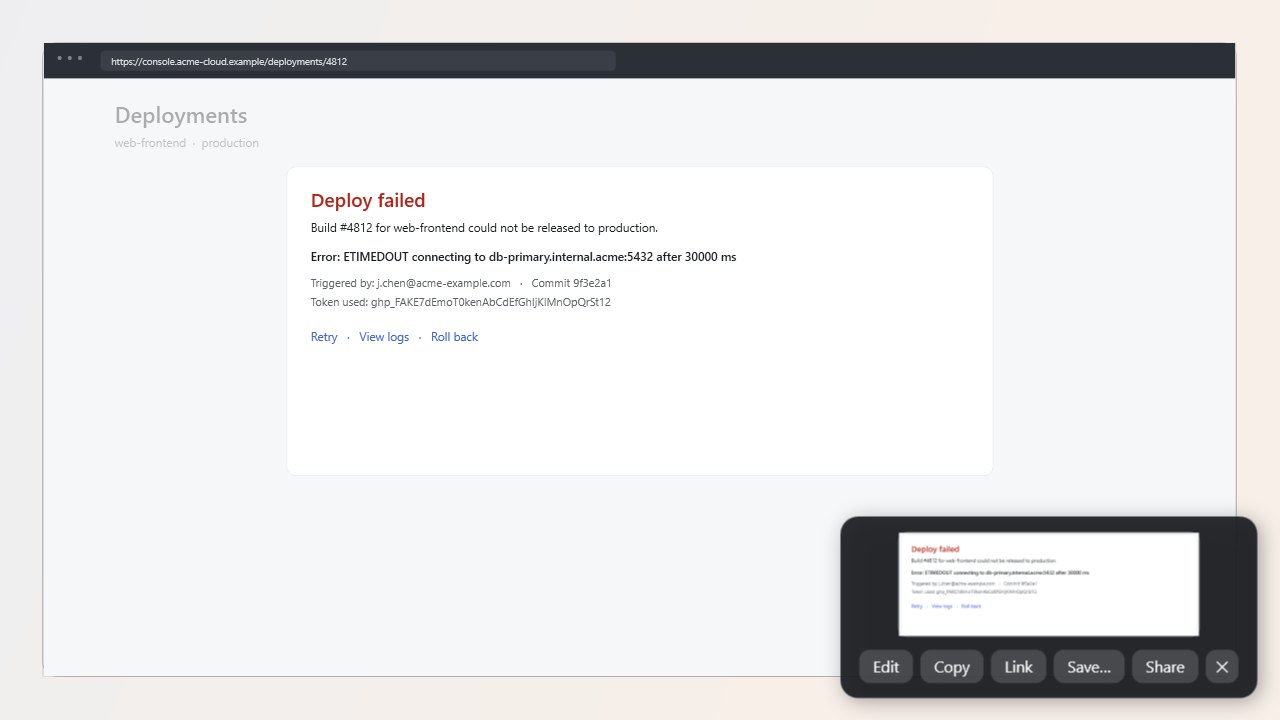
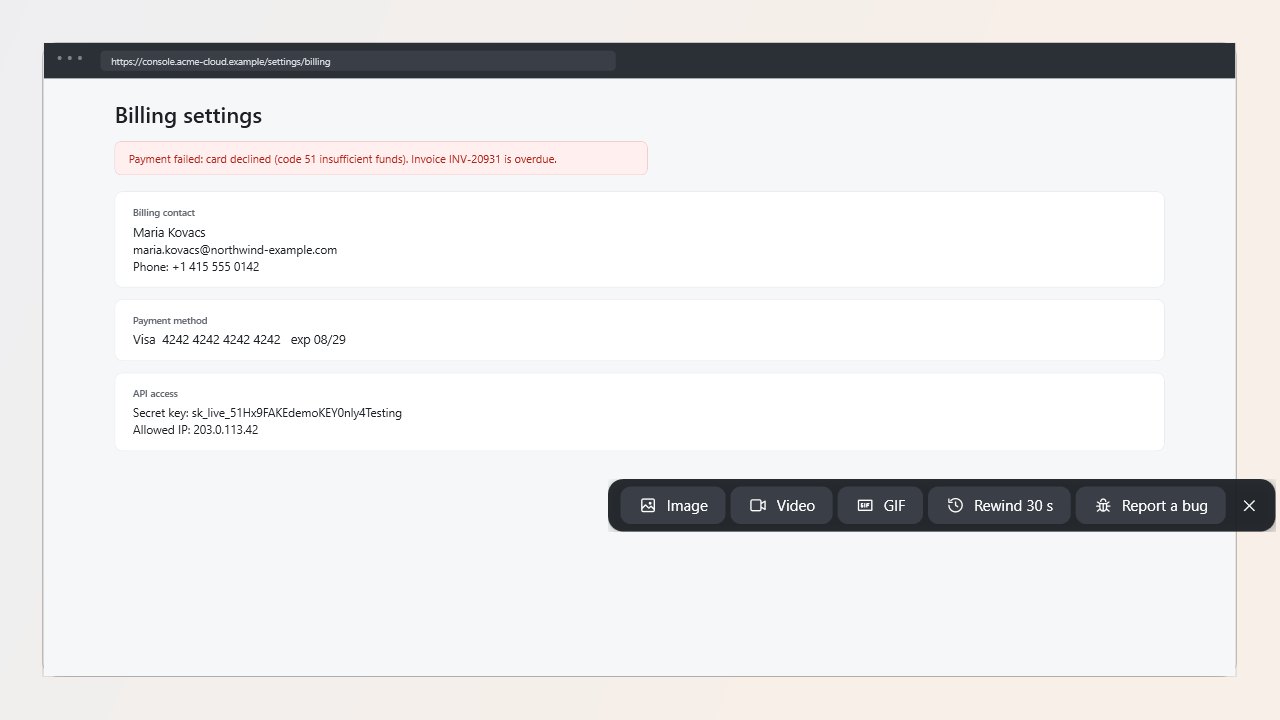
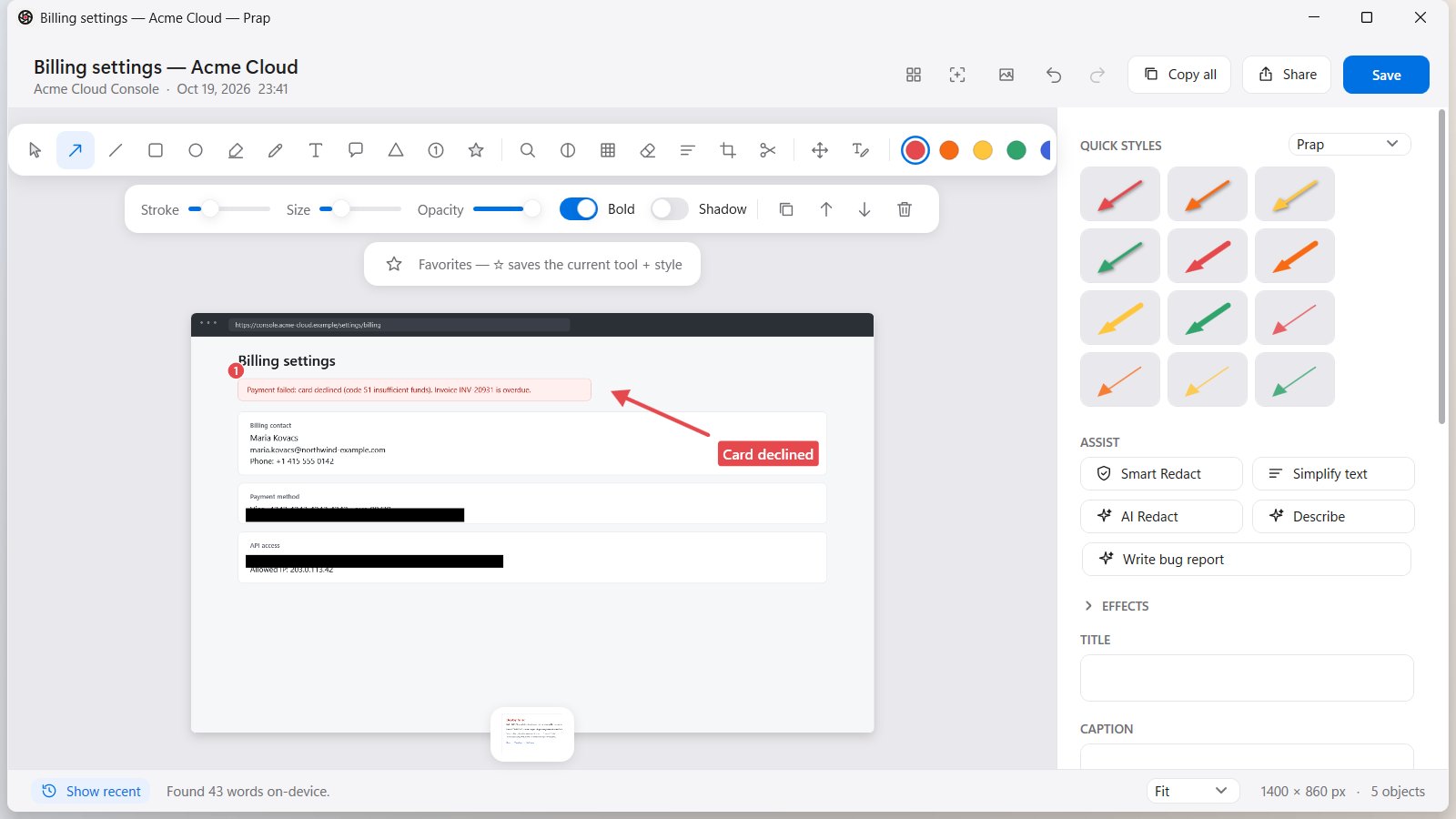
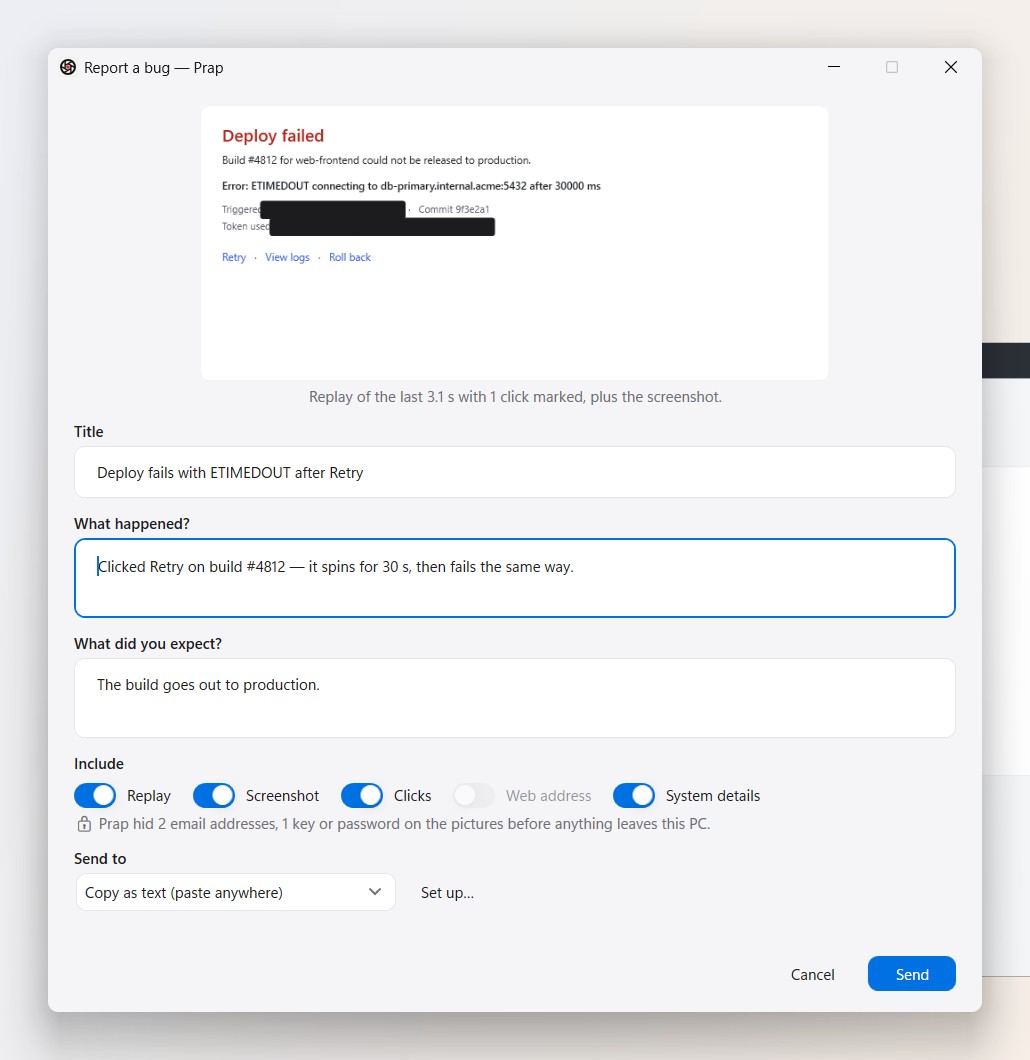
Videos
Contact
[email protected] — we reply quickly.